2026 Parents Connect to Blackbaud/Sundial
Print
Modified on: Tue, May 5, 2026 at 11:39 AM
| Pomfret uses a password-protected student information system called Sundial, which is provided by Blackbaud Software. As a parent, you can use Sundial to gain insight into your student’s academic progress, daily schedule, and conduct status. It is also where you will access your registration forms for the 2026–2027 academic year. |
|
CREATE YOUR BLACKBAUD ID
For improved security and ease of use, Blackbaud requires all parents to create a Blackbaud ID. To ensure the best user experience, we recommend using a Google Chrome browser.
Step 1: Accept Invitation
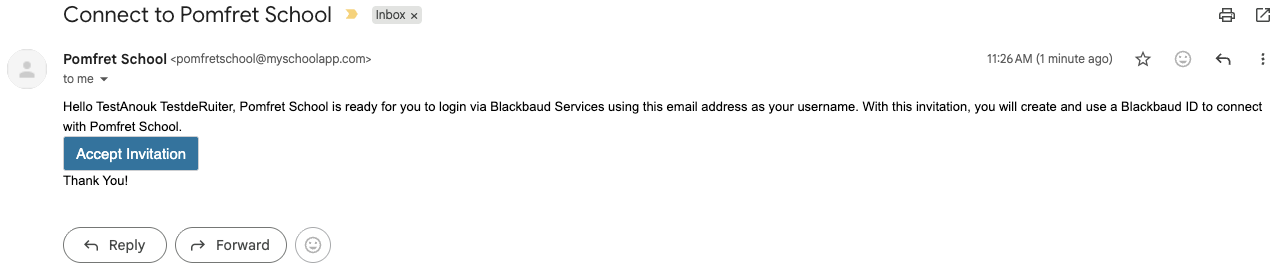
You should have received (or will receive later today) an email from pomfretschool@myschoolapp. Open the email and click on the “Accept Invitation” button.
Step 2: Complete Sign-up Form
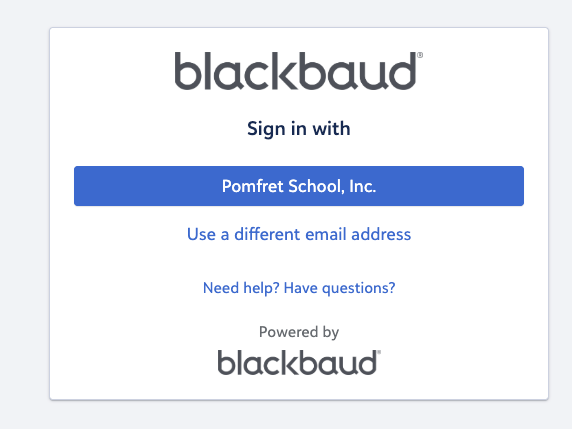
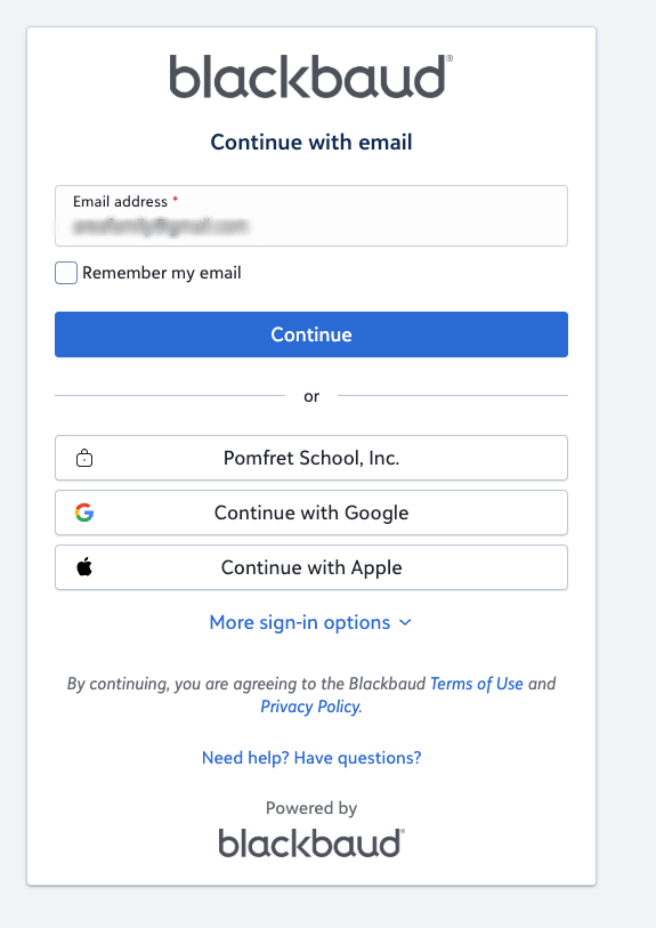
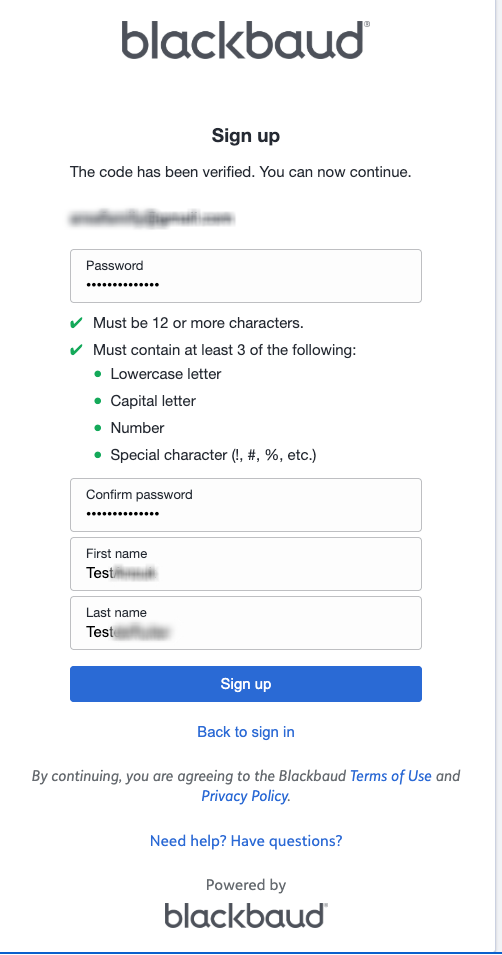
A sign-up form will open in a new window. Your email address will be pre-filled, but you must create a password and enter your first and last name. Alternatively, if you use Gmail, you can simply click the “Sign up with Google” button to use your Gmail account instead.
Step 3: Check Your Inbox
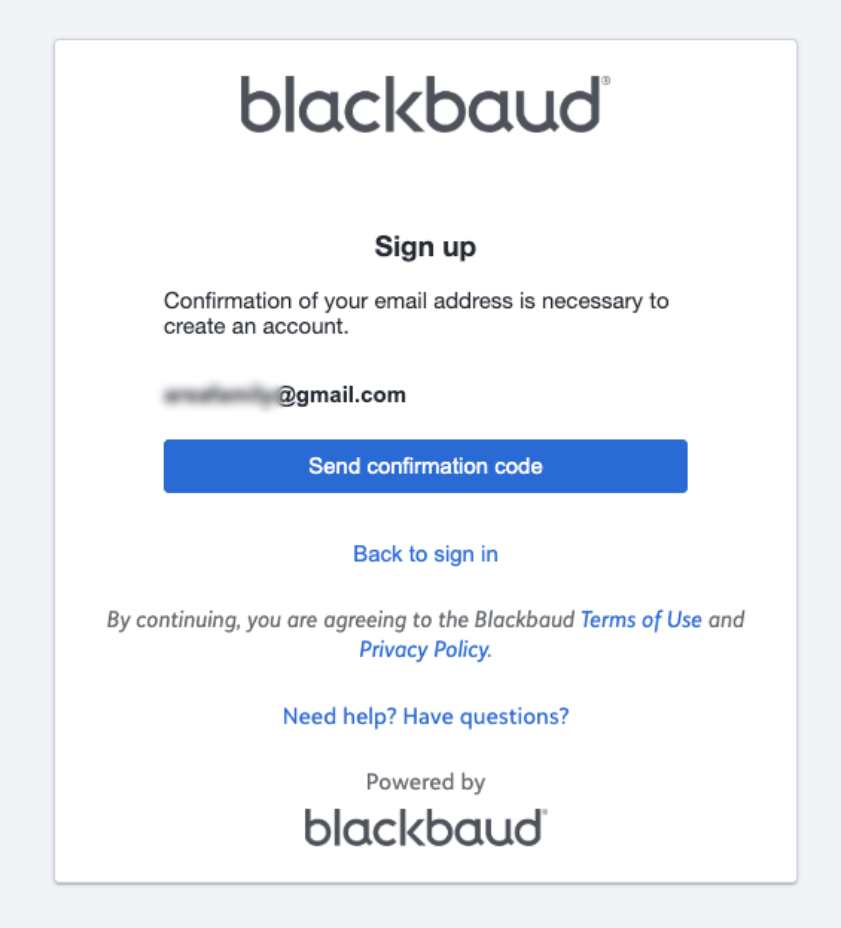
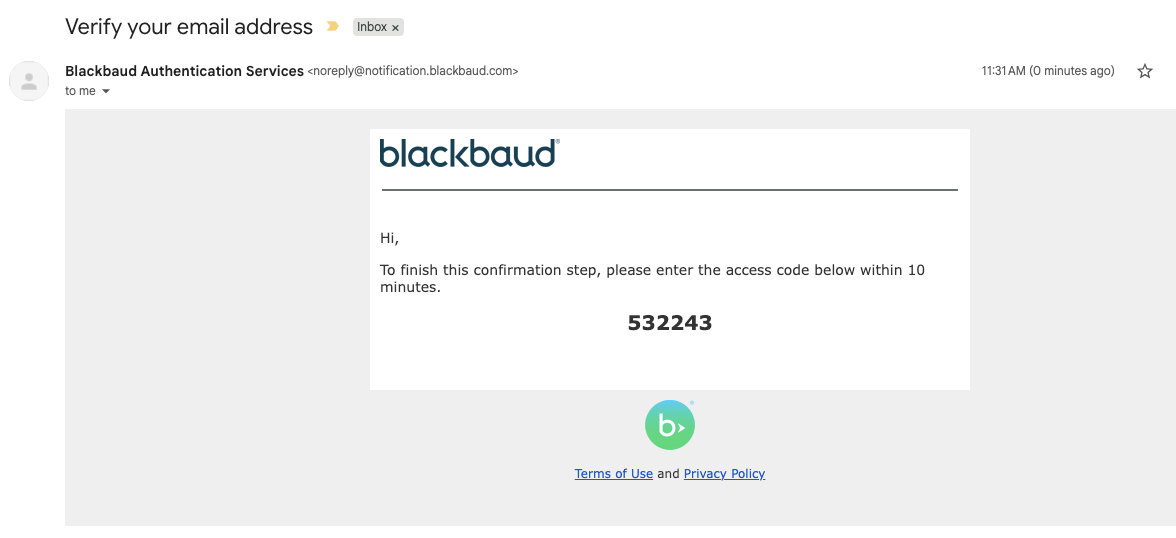
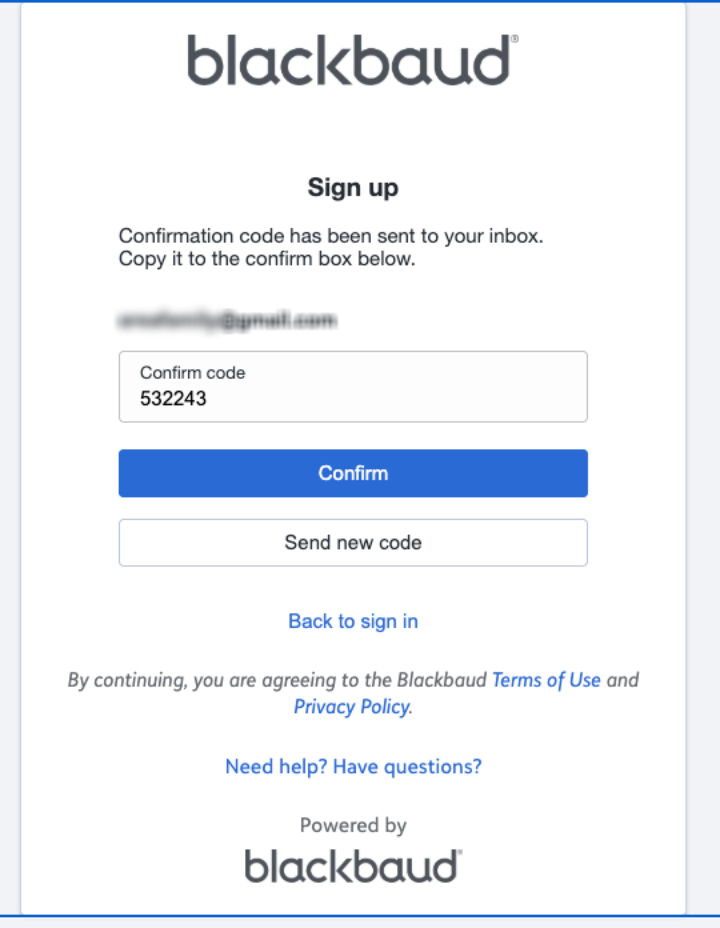
You will receive an email asking you to confirm your email address. Open the email and click "Confirm." A message will appear stating that your email was successfully confirmed.
Step 4: Convert Username
You may be redirected to a new window asking you to convert your username to Blackbaud ID using your email. Click "Continue." (If you are not prompted with this window, you can skip this step.) |
|
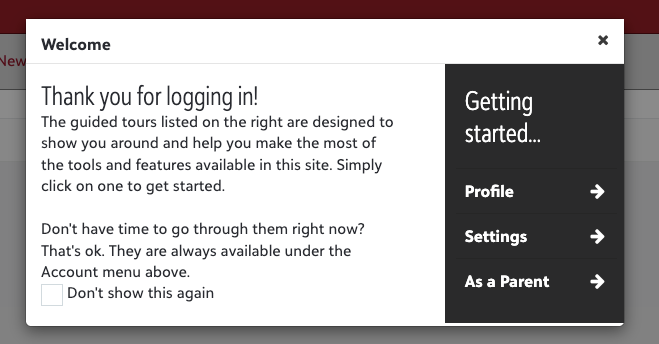
Once you have successfully created your Blackbaud ID, you can access Sundial by visiting the MyPomfret page of our website and navigating to the Portal Logins section. You can also bookmark my.pomfret.org, which will quickly bring you to the Sundial login page. There, you will use your email address and the password you created to log in.
Now is a great time to review your Sundial Profile. Your profile includes household information like phone numbers, email addresses, family relationships, and more. To review your profile, log in to Sundial and select Profile from the drop-down menu located next to your name in the top right corner of the screen. If you see something incorrect or missing, you can email your changes to Academic Registrar Jackie Deojay, and she'll be happy to update your profile. |
|
SCREENSHOTS OF THE PROCESS
Did you find it helpful?
Yes
No
Send feedback Sorry we couldn't be helpful. Help us improve this article with your feedback.
